Before the roll
Finish pushback and a slow taxi first. Hold short while another aircraft is on the runway. Sixteen players share one server, so the runway is the scarce resource.
On the centerline: takeoff flaps set, landing lights on, taxi light off, engines stable, and flight controls armed. If C is what arms the yoke on your build, press it before you advance thrust.
Rotate without a fake V-speed
No Flight Master manual publishes a rotate speed. Community write-ups sometimes guess a mid-to-high 100-knot range for jets. That guess is not an official number and it is not the same for a Twin Otter and a 767. Use the airspeed tape and the aircraft's response:
- Advance thrust smoothly and stay on the centerline with small rudder inputs.
- When the nose will fly, ease the mouse back. Yanking early is how tails scrape.
- If the nose will not rise, stay on the runway or reject the takeoff. Do not force it.
- Once you are climbing, raise the gear and only then turn.
- Retract flaps in stages as speed builds. Leave the gear down for the whole flight and you are dragging a training wheel through cruise.
The pattern
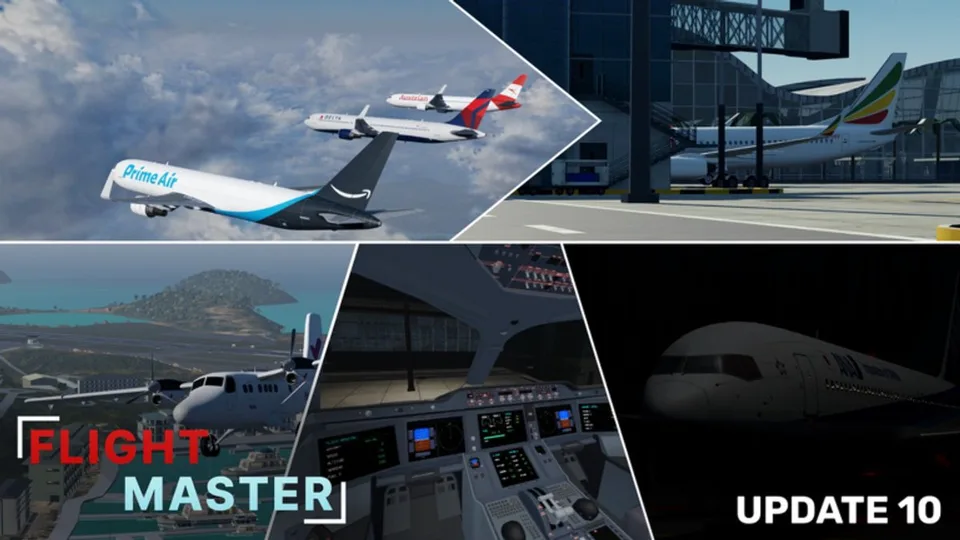
Fly a rectangle so every landing starts from the same picture: upwind on runway heading, a gentle crosswind, downwind parallel to the runway, base, then final with the wings level. Use an outside camera if the cockpit hides the runway. Update 10's volumetric clouds can hide an island. Descend early enough to see the field, and go around if you cannot.
Landing
Have the gear down and landing flaps set before short final, not over the numbers. Keep some thrust. A long idle dive is not a stable approach.
Over the threshold, look down the runway, reduce thrust toward idle, and raise the nose enough to slow the descent. Put the main gear on first. If you are high, fast, or the runway is occupied, go around: thrust up, pitch for a climb, gear up after a positive climb, flaps up in stages, and rejoin the pattern.
Public 2024 and 2025 flights show reverse thrust with a visible animation, spoilers, and brakes. Use the reverse and brake controls on the current UI, then exit slowly. Do not turn hard at taxi speed you have not bled off.
What Update 10 changed about the feel
The 31 October 2026 description calls the physics pass a full rework and adds wingflex on the A330, A340, and 767. Expect the rotation and the flare to feel different from a 2024 clip. Wingflex is a visual load cue, not permission to bank hard near the ground.
Relearn the flare in a 737-800 or A320neo at Doha before you take a heavy to Hamilton Island or a short strip.
A dated failure note
In a January 2025 flight, engine fire could be extinguished, and the engines had to be shut down before they would restart. The same flight described weather as wind only and still a work in progress. Update 10 later reworked weather, so do not treat that wind-only limit as the current weather model. If a failure toggle still exists, practice it only after a normal landing is reliable.
Practice that changes the landing
Repeat ten circuits in one aircraft at one airport. Then change a single thing: flaps timing, or the airport, or the weather. Night circuits are a lights drill, not a new aircraft drill.